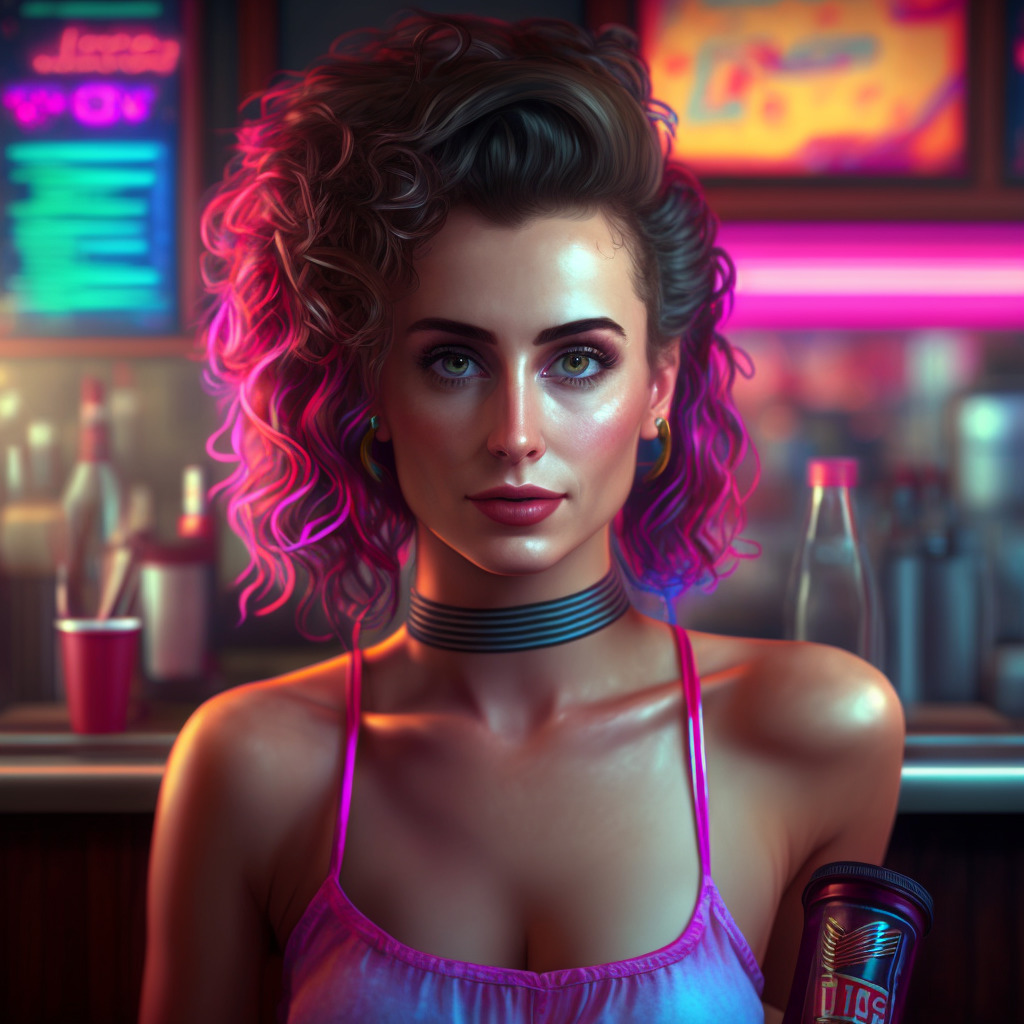
Today is release day! Apple just released AI Bartender –it’s up and live on the app store! It’s also free for now so please check it out!
We’re truly in a new world. Last time I made an app it took almost 6 months and nearly $10K in art costs. This time we built the app in about a week and then took a couple of weeks to test and refine it. We used GPT4 to help build the app, which is based on the OpenAI’s GPT API. We also used AI tools for all of the graphics, from the icon to the bartender animations, bar backgrounds, and voices. In this post we’ll touch on the tools used to create the app. The cost of creating the app has been super-low. We’re paying $10/mo for Midjourney and about $6/mo for D-id.
Building the app code
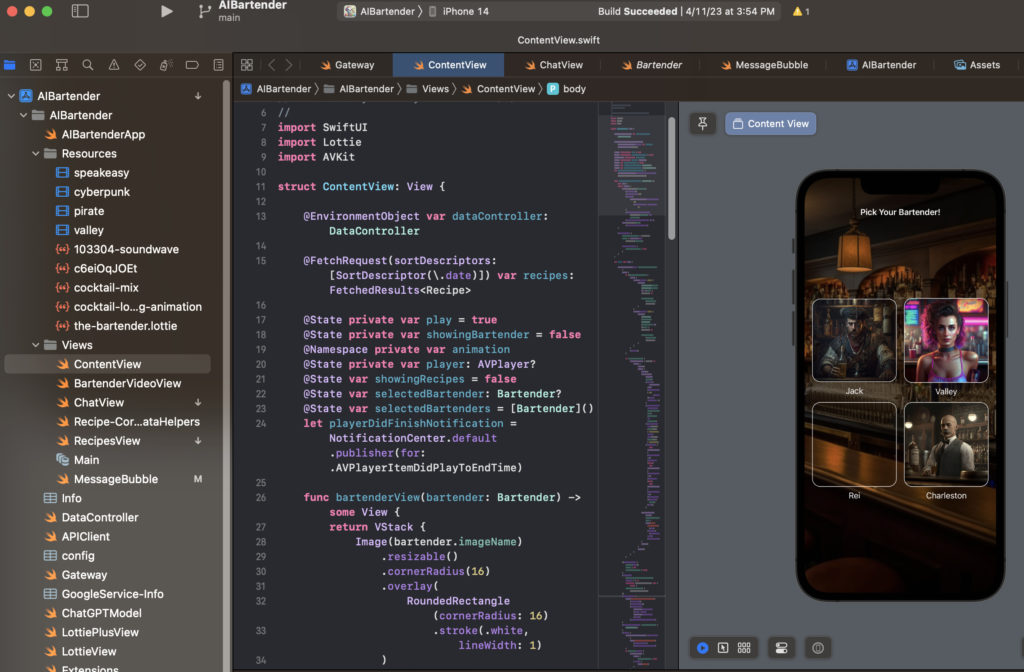
To build the code we used a combination of Jeff actually using his brilliant meat-brain and fingers to type code into Xcode and Shon talking to GPT4 and pasting in bits, then making GPT4 correct errors it introduced by copy/pasting errors from xcode and repasting the code. Jeff also used ChatGPT to help debug and to quickly write bits of the code without having to use Google as a reference. ChatGPT’s GPT4 interface is still a bit cumbersome when working with code. It tends to break the code markup after about 25-30 lines so one trick I use is to tell it to output the code in 30 line chunks, this makes it easier to paste in complete modules or long bits of code.
Building the bartenders
To build the bartenders we needed a few different elements; we wanted graphical avatars for the bartenders and we decided to make animated intros for each bartender which play before moving to the chat UI. This required a few different AI tools. The flow for creating the animations is this:
Midjourney –> Play.gt –> D-id –> Video editing (very quick to add background noise)
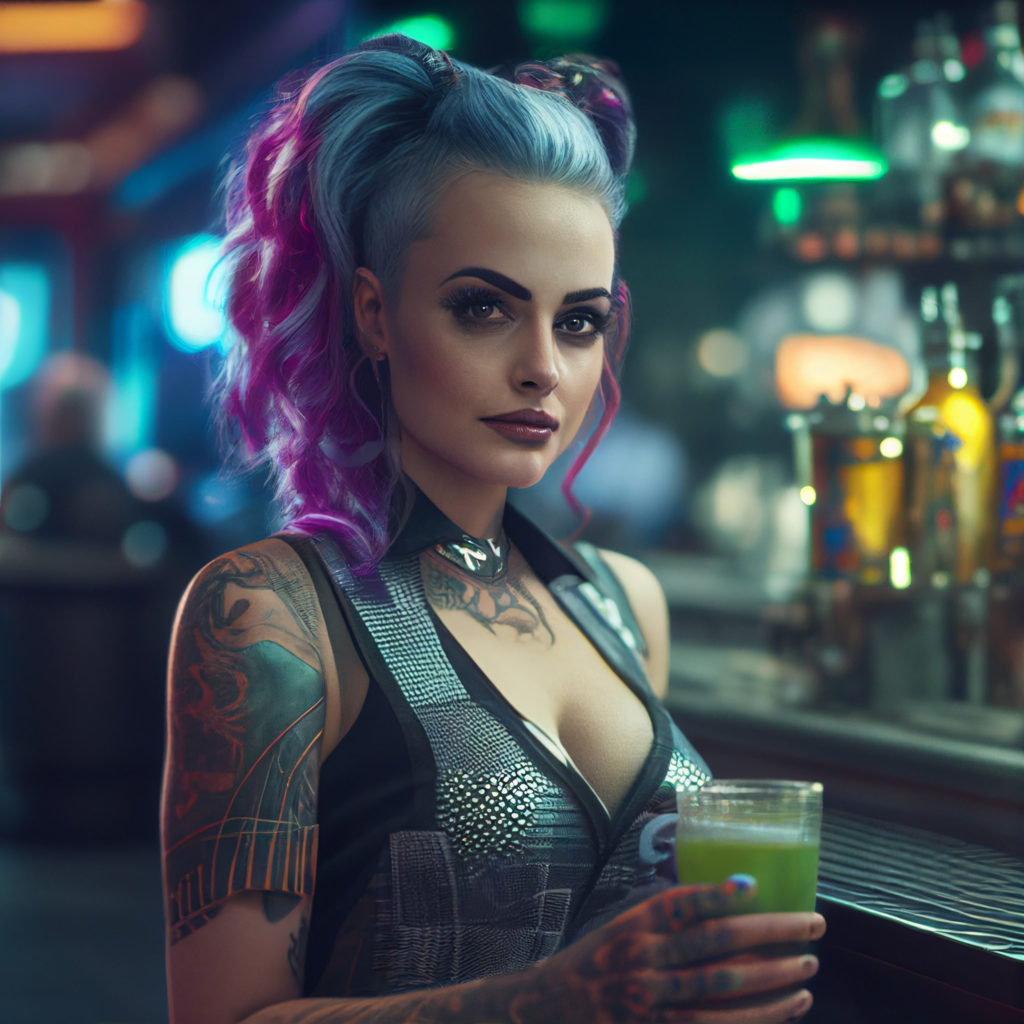
Here’s a video showing the process of creating a bartender character, going from a Midjourney generated image to a nice character animation with voice and sound thanks to D-Id (animation) and Play.ht (voices). All in it takes about 25 minutes to make a new character using this method and it’s very inexpensive.
In the next post we’ll go over our post-release analysis including the app marketing we’re doing and how that’s working from and installs / analytics perspective. If you haven’t a checked out AI Bartender yet please do! It’s free and it has full access to ChatGPT!